
Admin Access for US Sites: How It Works
A written report telling you to fix twelve meta tags and rewrite three page titles is slower and more error-prone than just fixing them directly. That's the whole reason for the access request - our specialist makes the on-page changes in your CMS instead of handing you a to-do list. You keep full oversight the entire time, and the password gets reset the moment the work wraps. YOSITE UP!
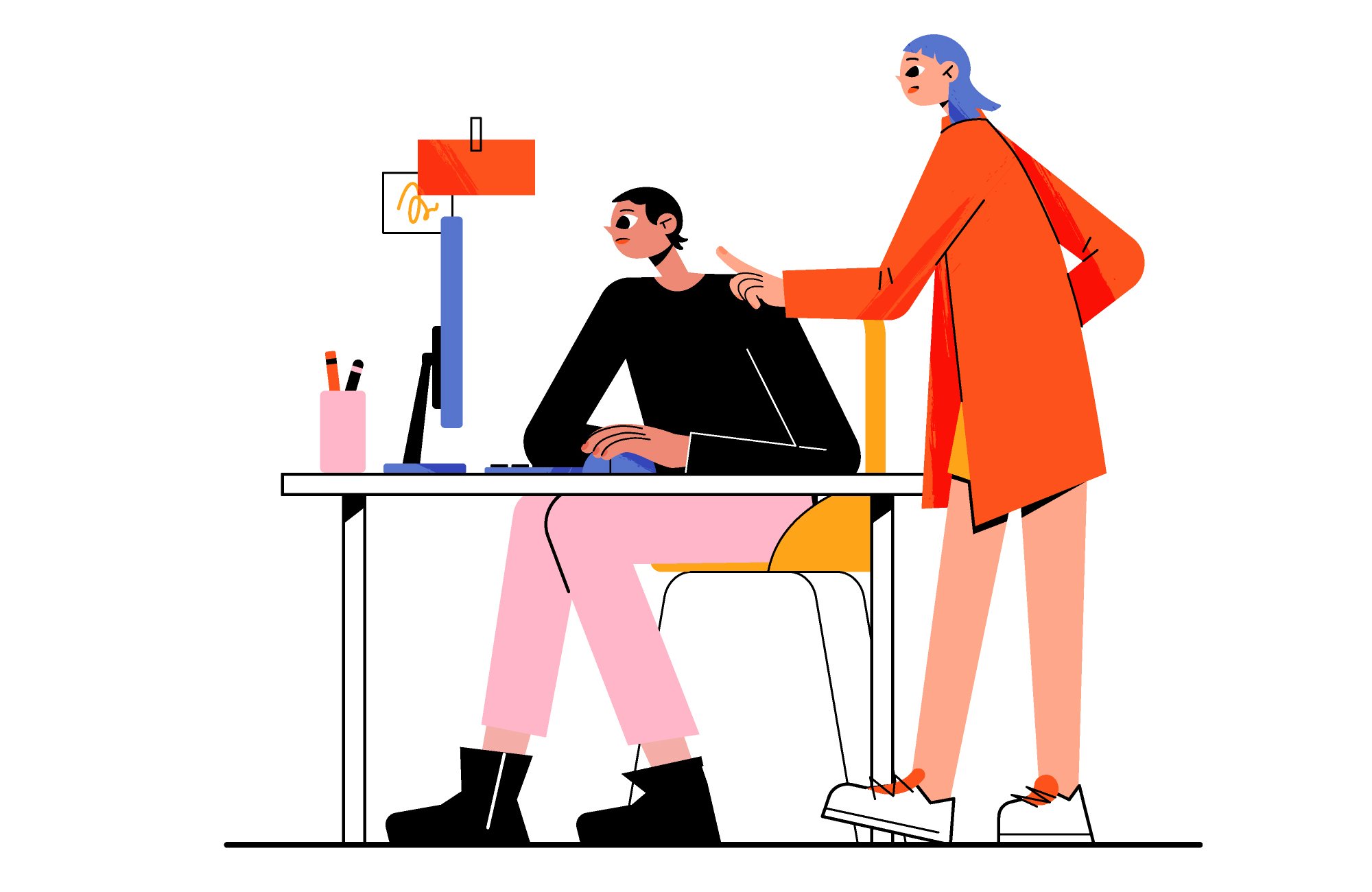
Safely
Our specialist does not make any changes to the content of your website.
We only correct the SEO parameters title | description | alt.
The appearance and content of your website will not change.
We only correct the SEO parameters title | description | alt.
The appearance and content of your website will not change.
Only you will have access
After the work is completed and you receive the report, you can close access by changing the password for your website's control panel.
Simple
Access to the control panel is:
URL - link to log in to the site's administrative panel
login - your login
password - your password
URL - link to log in to the site's administrative panel
login - your login
password - your password
Example for wordpress
URL - site.com/wp-admin/
login - youlogin
password - youpassword
login - youlogin
password - youpassword
Example for Joomla
URL - site.com/administrator/
login - youlogin
password - youpassword
login - youlogin
password - youpassword
To effectively manage your SEO project in the USA, it's important to have full access to the admin panel so that our YoSiteUp team can address Google US requirements. We need access to your website's content management system to make the necessary changes.
Start working with us and start getting traffic from Google US today-submit a request for a website audit or optimization.
Start working with us and start getting traffic from Google US today-submit a request for a website audit or optimization.
Last post
From our blog
Claude Code Marks in the US: How They Affect Content Promotion, SEO and Social Media. AI Labels in Text, Photos and Video
Will the Claude watermark hurt how your content ranks and travels in the US? Since August 2, 2026 Anthropic has been marking text from new Claude models, Claude Code included, and American SEO and con...
READ MORE
How to Build a Digital Marketing Portfolio: What SEO, PPC and Marketing Specialists Should Show
A hiring manager or a prospective client spends under a minute on a marketing portfolio before deciding whether to keep reading. In that minute they are not checking whether you know what SEO or PPC i...
READ MORE
Seedance 2.0 for US Brands: How to Use ByteDance's AI Video Model Without Legal Surprises
For US marketing teams, Seedance 2.0 arrived with two storylines at once: cheap short video with generated sound, and one of the most public legal fights over AI video so far. The model from ByteDance...
READ MORE